INVITE-ONLY SCRIPT
已更新 Alerts for Magic v2.1
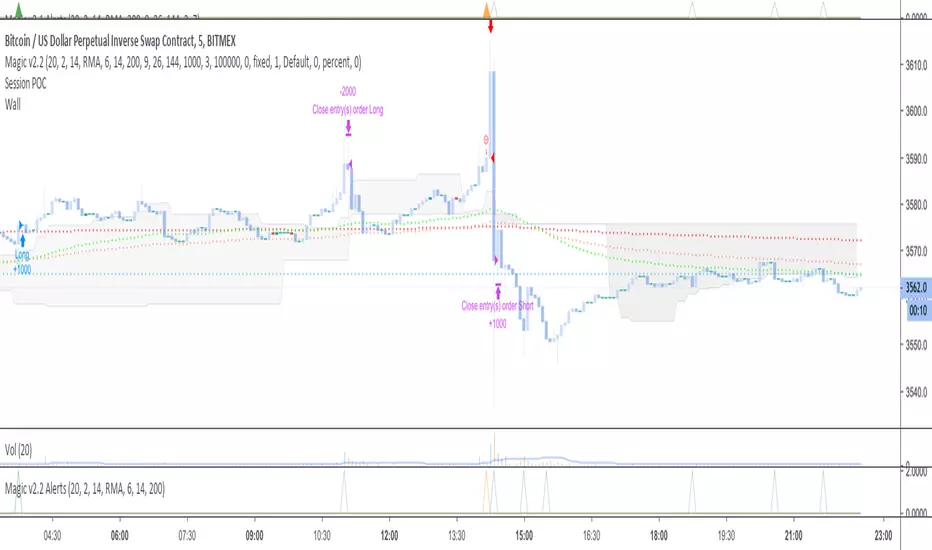
//HOW TO SET ALERTS
// 1 - Apply script to chart
// 2 - Click Alerts icon at the top toolbar
// 3 - Under "Condition", choose "Magic v2.1 Alerts" in the 1st dropdown menu
// 4 - In the 2nd dropdown menu under "Conditions", choose "Crossing Up"
// 5 - To the right of the "Value" dropdown menu, choose a value of "1"
// 6 - set remaining parameters below to your choosing (Options, Exp. time, Alert actions, Message)
// 7 - Click "Create" and the alert is set
DM me for access; not in comments.
// 1 - Apply script to chart
// 2 - Click Alerts icon at the top toolbar
// 3 - Under "Condition", choose "Magic v2.1 Alerts" in the 1st dropdown menu
// 4 - In the 2nd dropdown menu under "Conditions", choose "Crossing Up"
// 5 - To the right of the "Value" dropdown menu, choose a value of "1"
// 6 - set remaining parameters below to your choosing (Options, Exp. time, Alert actions, Message)
// 7 - Click "Create" and the alert is set
DM me for access; not in comments.
版本注释
Cleaning up the code.版本注释
Updating with improved inclusion/exclusion criteria.版本注释
Strategy was updated; Alerts are updated.仅限邀请脚本
只有作者授权的用户才能访问此脚本。您需要申请并获得使用许可。通常情况下,付款后即可获得许可。更多详情,请按照下方作者的说明操作,或直接联系Simpel_Bart。
TradingView不建议您付费购买或使用任何脚本,除非您完全信任其作者并了解其工作原理。您也可以在我们的社区脚本找到免费的开源替代方案。
作者的说明

免责声明
这些信息和出版物并非旨在提供,也不构成TradingView提供或认可的任何形式的财务、投资、交易或其他类型的建议或推荐。请阅读使用条款了解更多信息。
仅限邀请脚本
只有作者授权的用户才能访问此脚本。您需要申请并获得使用许可。通常情况下,付款后即可获得许可。更多详情,请按照下方作者的说明操作,或直接联系Simpel_Bart。
TradingView不建议您付费购买或使用任何脚本,除非您完全信任其作者并了解其工作原理。您也可以在我们的社区脚本找到免费的开源替代方案。
作者的说明
免责声明
这些信息和出版物并非旨在提供,也不构成TradingView提供或认可的任何形式的财务、投资、交易或其他类型的建议或推荐。请阅读使用条款了解更多信息。