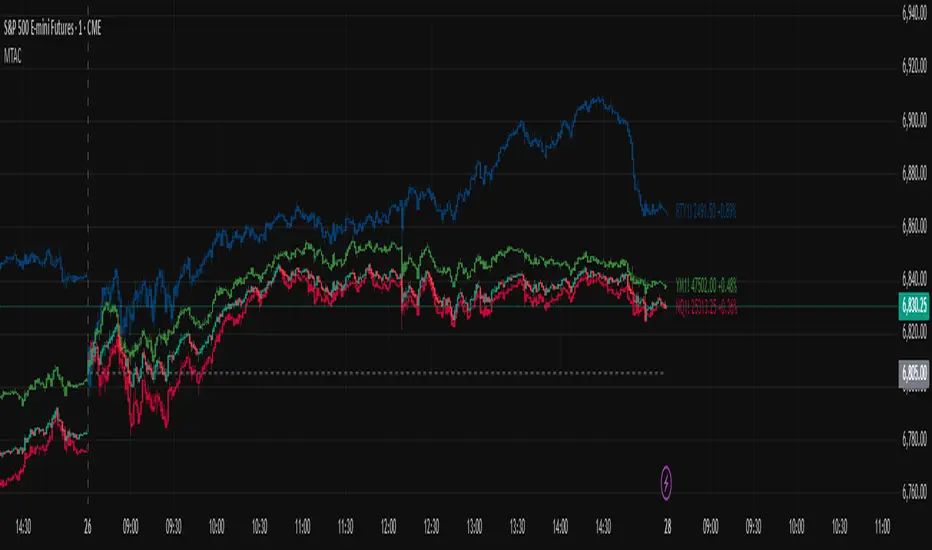
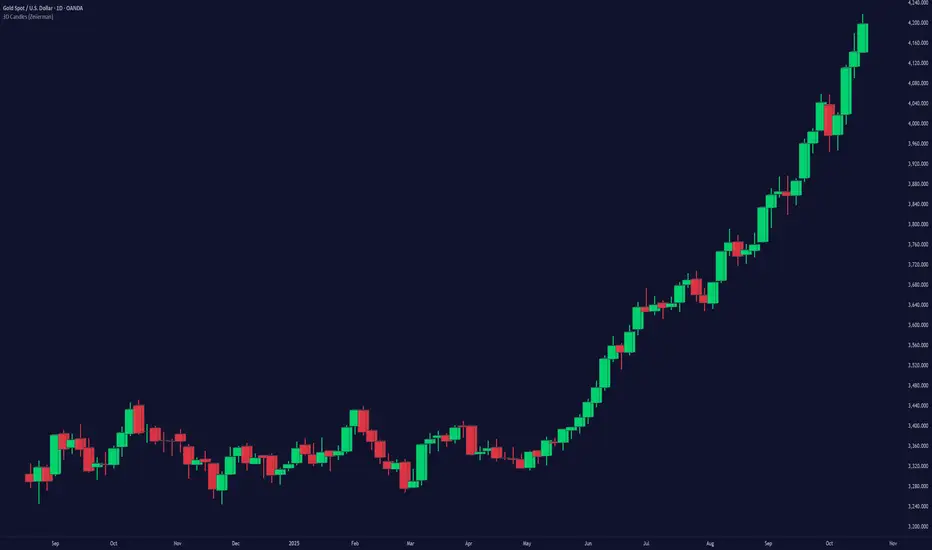
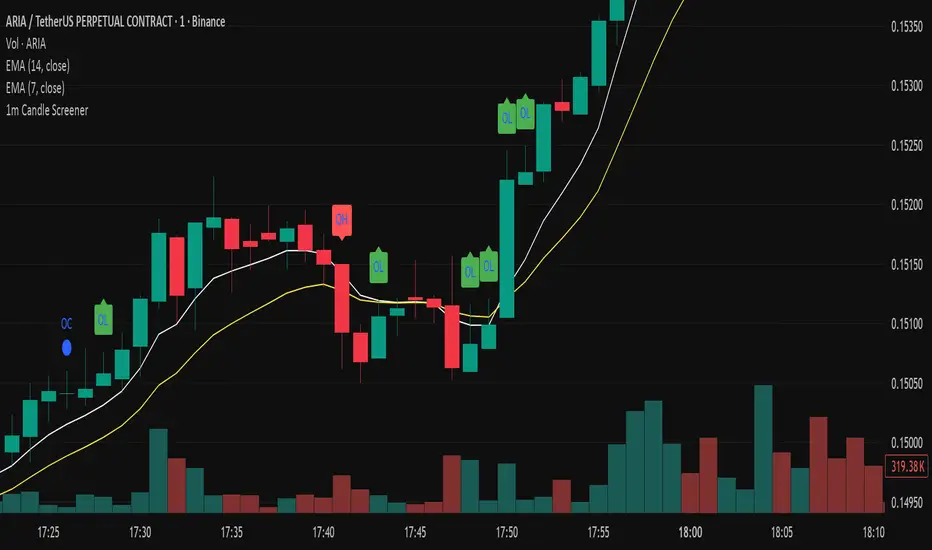
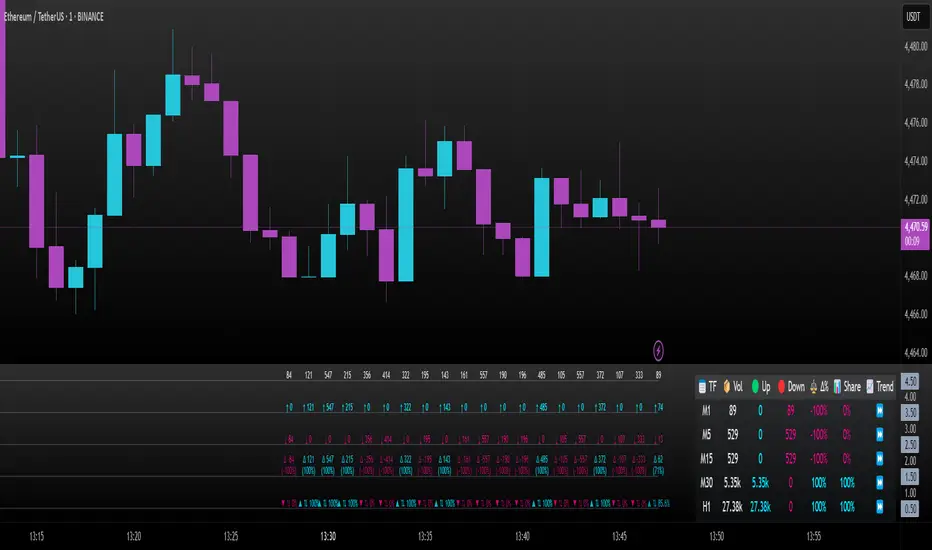
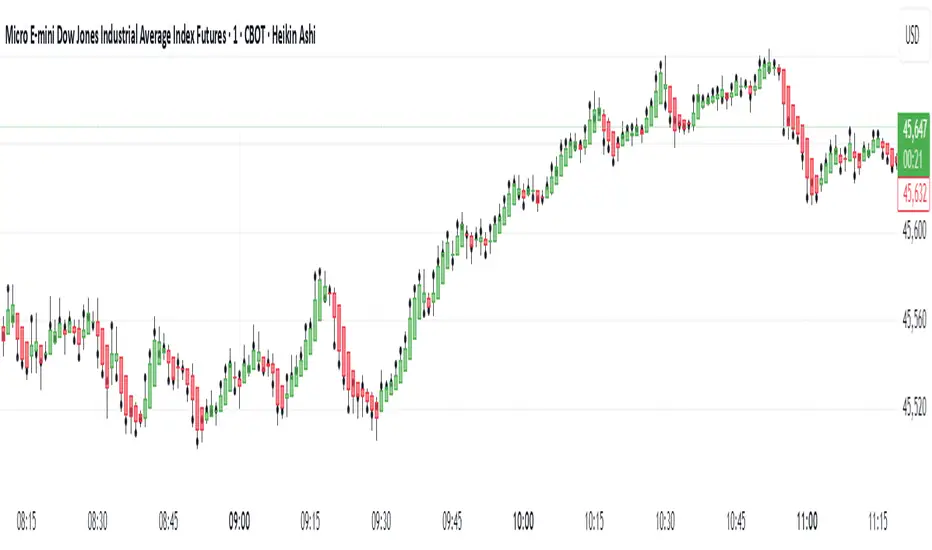
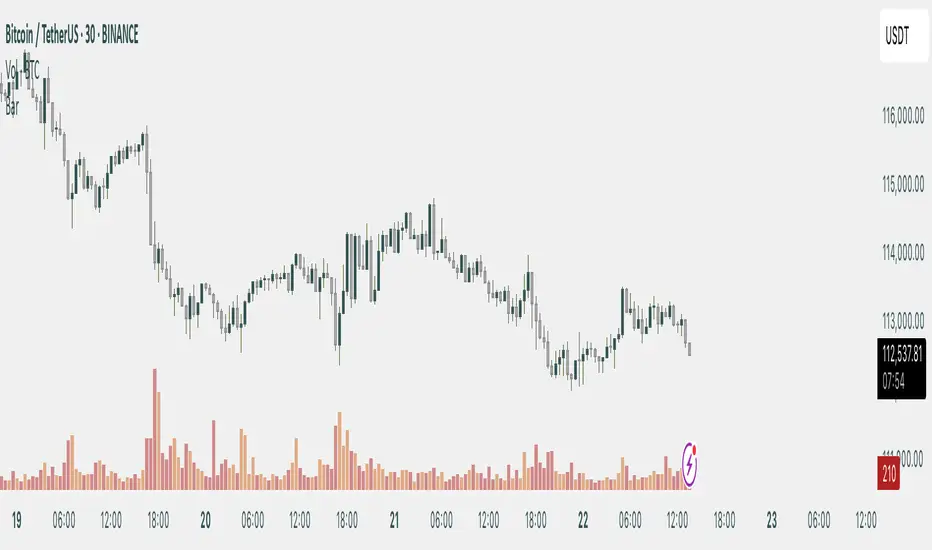
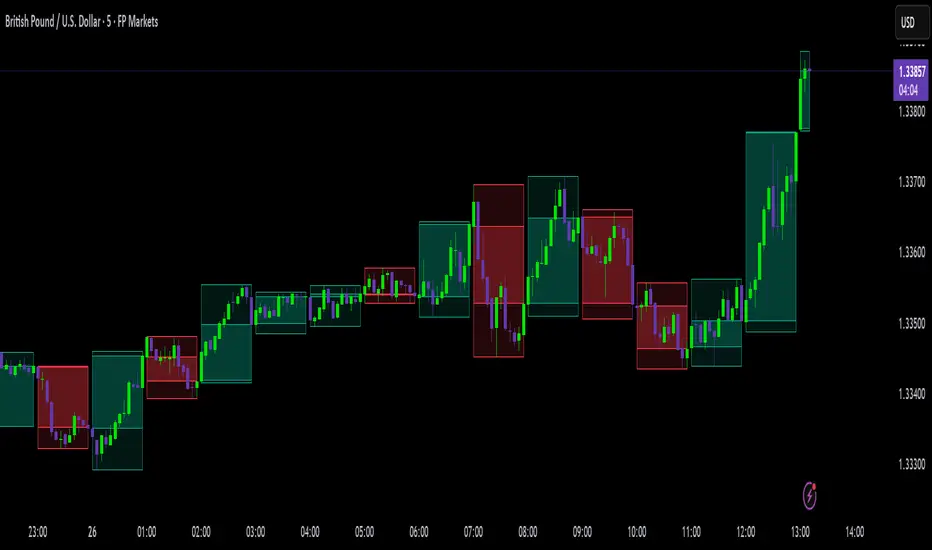
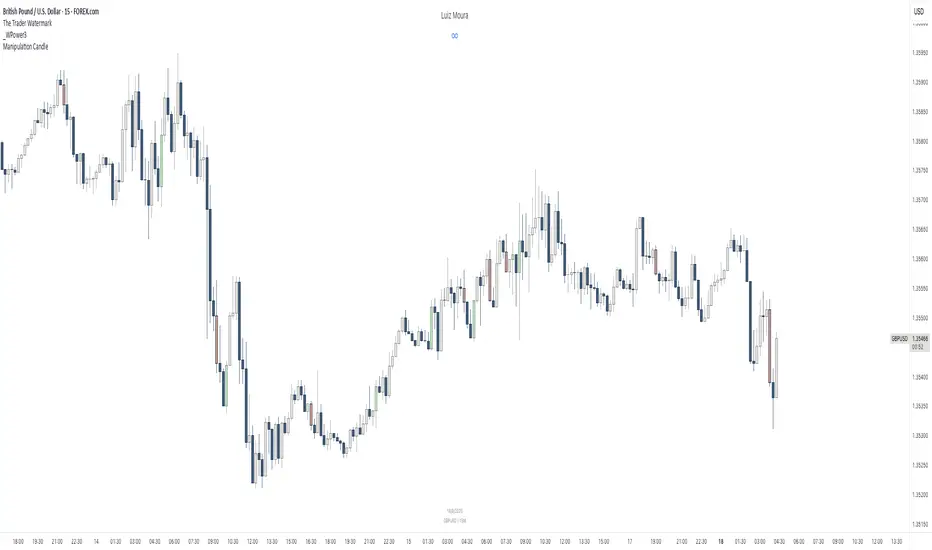
Custom Dividers [louis]Custom Dividers is a streamlined utility designed for Multi-Timeframe Analysis (MTF). It allows you to visualize higher timeframe structures directly on lower timeframe charts by drawing infinite vertical lines at the open of new periods.
Unlike standard grid lines and other divider indicators, this has custom inputs, giving you complete control over non-standard timeframes (e.g., 90-minute cycles, 6-hour blocks, or 2-day periods).
🔑 Key Features
- 4 Independent Timeframe Slots: Configure up to four different vertical dividers simultaneously.
- Custom Minute Inputs (TF 1 & TF 2): Instead of restricting you to a dropdown, the first two slots allow you to input any integer for minutes.
Example: Set 90 for 90-minute cycle dividers.
Example: Set 360 for 6-hour dividers.
- Standard Timeframe Selectors (TF 3 & TF 4): Traditional dropdowns for standard periods like Daily (D), Weekly (W), or Monthly (M).
- Visual Customization:
Lines: Uses line.new() drawing logic to ensure dividers stretch infinitely from top to bottom, regardless of price scale.
Styles: Select from Solid, Dashed, or Dotted directly in the inputs.
Width & Color: Fully customizable to blend into your chart theme.
⚙️ How to Configure
Go to the Settings (Inputs Tab):
TF 1 & TF 2: Enter the specific number of minutes (e.g., 60 = 1 Hour, 240 = 4 Hours). Toggle the checkbox to Show/Hide.
TF 3 & TF 4: Select the timeframe period from the dropdown. Toggle the checkbox to Show/Hide.
Style: Choose your line style, color, and width.
Note: Since this indicator uses geometric drawings (line.new) to achieve full-height vertical lines, all visual settings (Color, Width, Style) are located in the Inputs Tab, not the Style tab.
Pine Script®指标